In this lesson, we look at software components and how they impact the end-user experience.
Digital Experience | Pillar 1 Stakeholders | Lesson 4 Software
Follow Me Elsewhere:
Play Video
Play Video
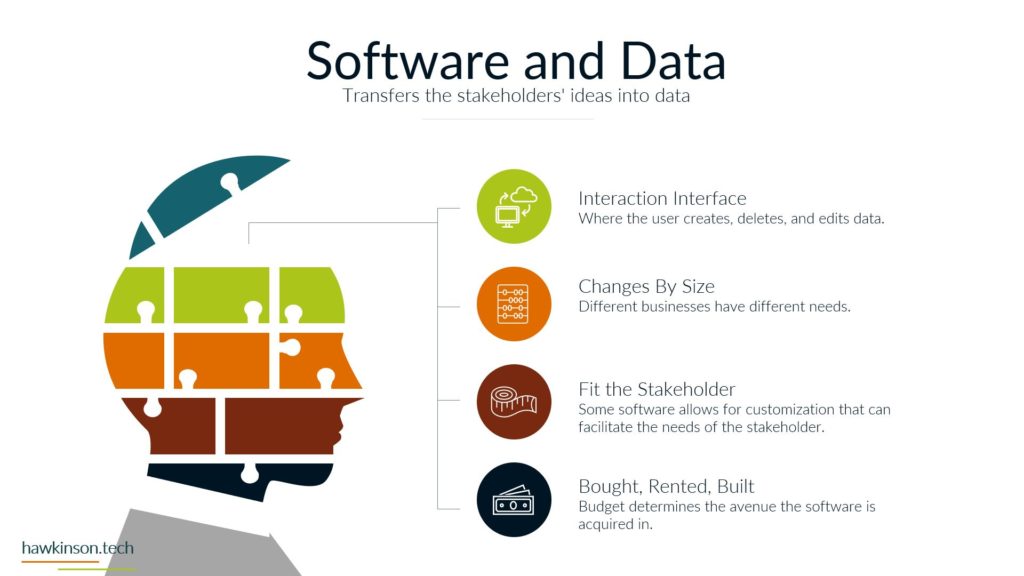
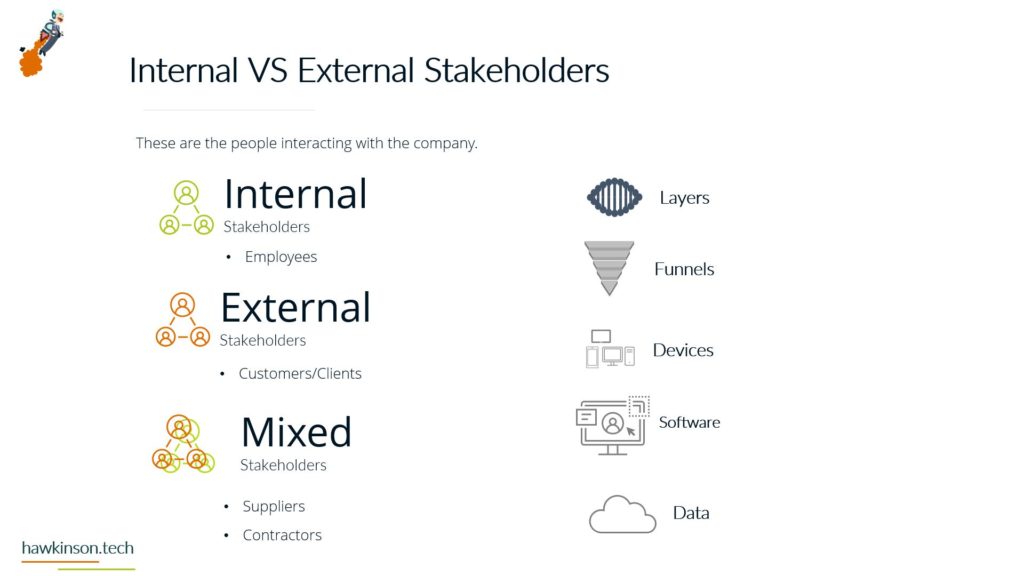
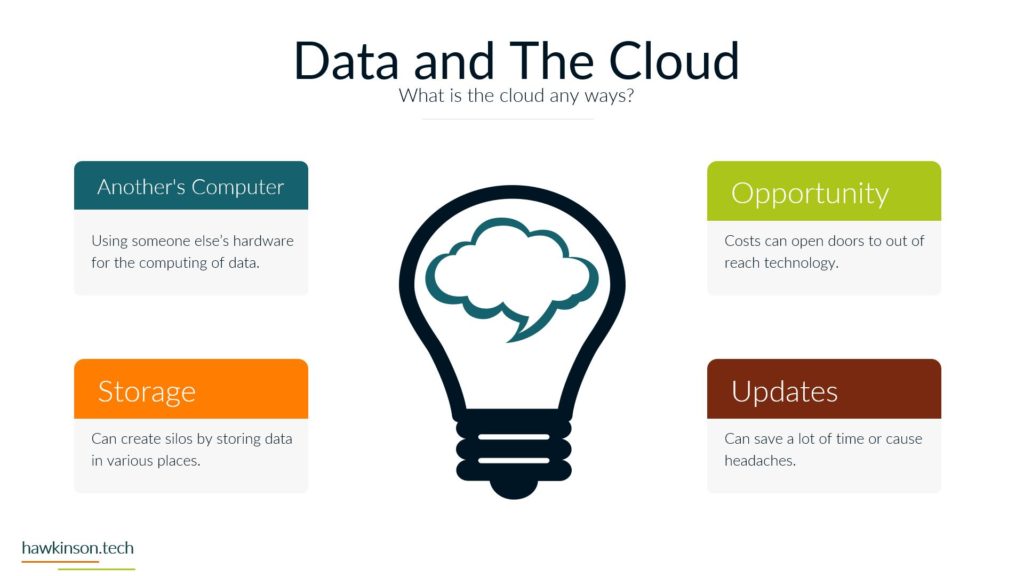
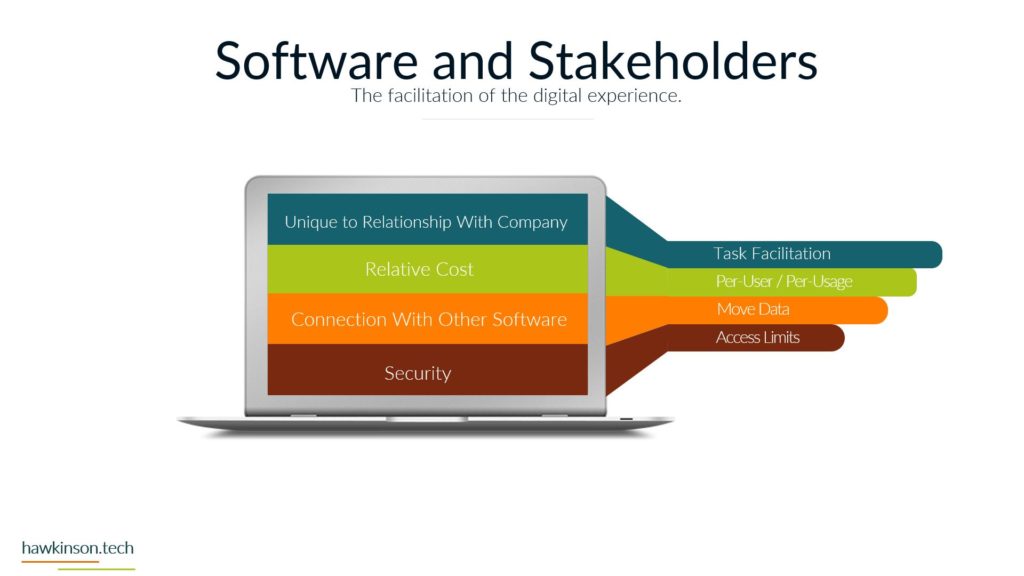
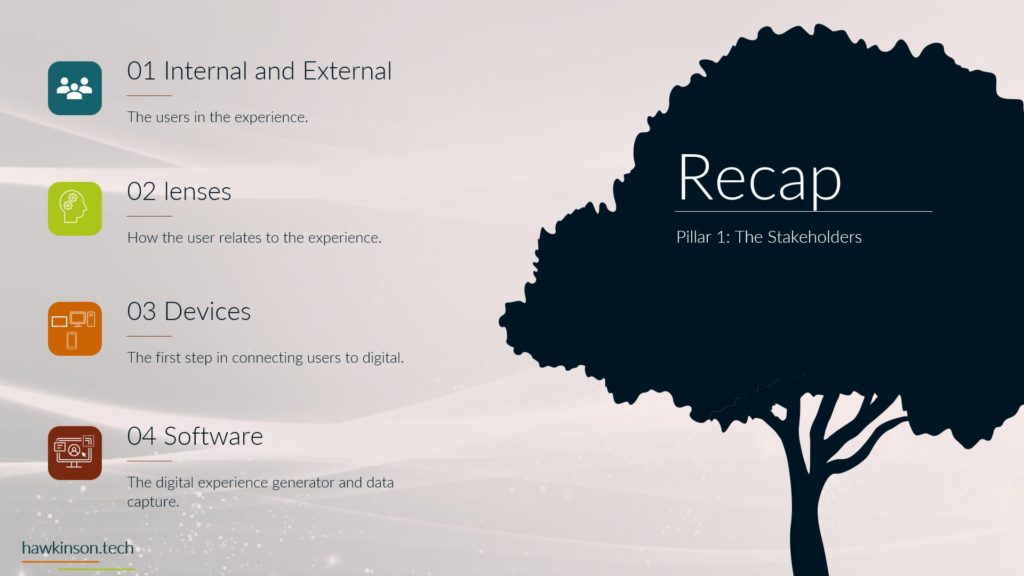
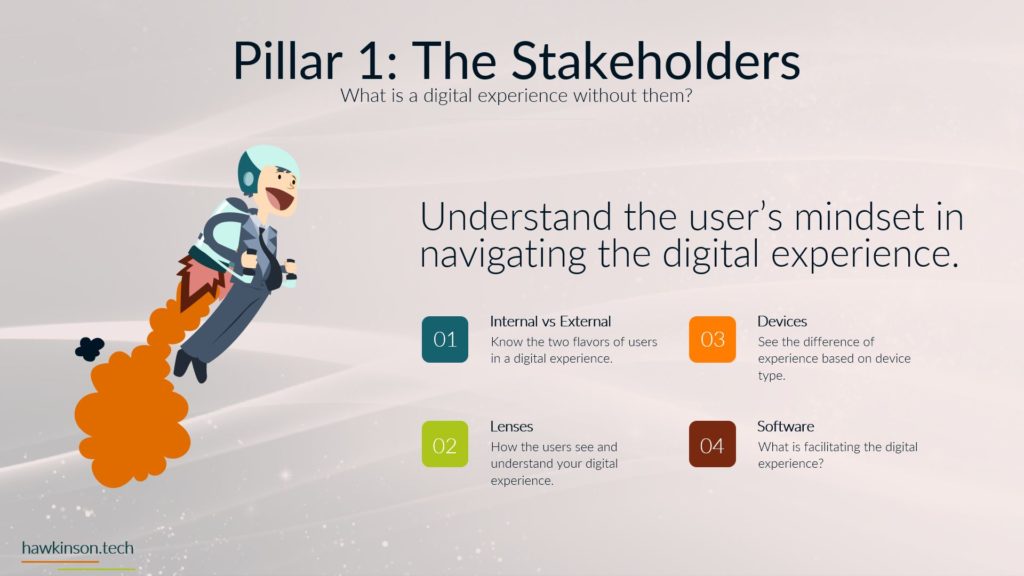
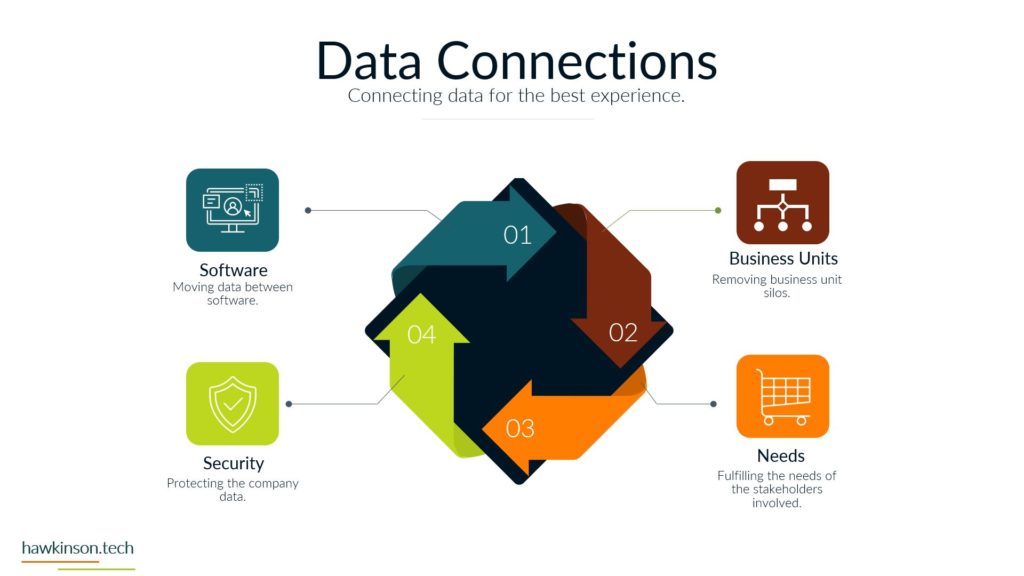
Alright, so now let’s continue looking at the stakeholders and look at the software and how that compares and works with stakeholders. So the first thing to know is with software and stakeholders, the software is going to be unique to the stakeholder and their relationship with the company. For example, the individuals that are in the sales department are likely to use software that helps them with fostering sales and working with customers versus somebody that is in the warehouse is likely to work with software that does inventory management and control. So with that we can also say that the. Software used is very related to the tasks that need to be facilitated for a particular user. With that, then there’s also a relative cost that comes into play for each of the aspects of the software. For most software, it’s going to be priced on a per user or per usage, and usually on a monthly or annual cost. This also differentiates depending on where the software is purchased. So software that is purchased that is labeled as cloud software is going to follow this type of subscription model. There is software you can get that is labeled as. On premise or perpetual type software. And in that case those licenses are usually paid once and then you just get unlimited access to the software. The downside with that is while it can be a way of controlling your cost because you’re only getting it once, it will be limited to whatever year you purchase it. And what that means is they’re usually won’t be any additional updates or anything like that until you upgrade to whatever following year from that piece of software. Then the other thing we need to consider when we’re looking at software and stakeholders is the way that software connects with other software. And the big thing here is because we’re looking to move data and depending on how software communicates with other software is going to impact the way that users are able to exercise that software. For example, if we have a CRM that is connected into an e-mail marketing platform, then. You might be able to automate sending out various emails and some of the follow-up responses that a sales user would have within the platform. If that connection isn’t there, then those same users are likely to have to go back and set up manual processes and take manual steps in order to move that data. And while we’re still getting to the same accomplishment and getting to the same place with that, it’s a vastly different experience for the users. And what they’re going to get out of the company and their relationship with the company. Now, the last thing that we should look at when we’re looking at software and stakeholders is security. And we want to make sure that we are protecting the data that is within the software and even protecting who has access into that software. So we want to set up a variety of access limits to determine who’s able to touch that data and what they’re able to do with that data, the kind of big. Thing here is there are certain datas within the company that other users just don’t need to know or if that data was to leak out, then it could cause issues for the organization. And so we want to make sure that we’re just preemptively limiting and regulating that access before those users have the ability to do something malicious with that data. So now let’s move to the last section where we where we will recap this section and look at some of the. Next steps to take.
Related Content

More Content

Uncover the transformative fusion of company experience and the digital world. Delve into the intricacies of this convergence, exploring its immense potential for organizations. Discover the influence of geolocation, societal norms, and stakeholder dynamics on company

Privacy policies have become integral for website development and help keep user privacy safe. Read here to find out about the top WordPress compliance plugins.

Discover the power of ClickFunnels as a comprehensive sales funnel builder and marketing platform. Explore 17 compelling reasons to choose ClickFunnels, including its user-friendly interface, all-in-one solution, pre-built templates, integration with third-party tools, powerful split testing

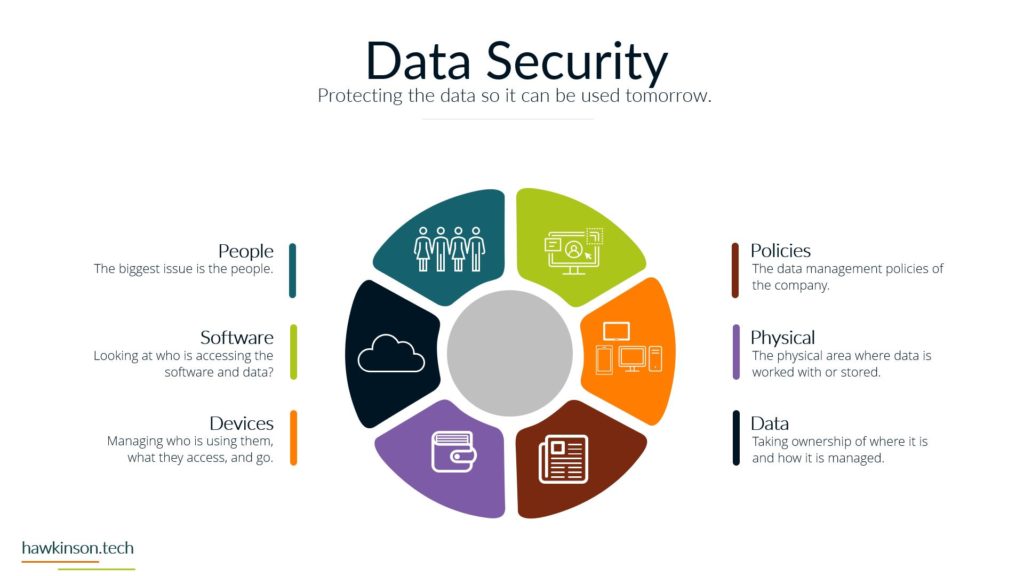
Discover the crucial role of data security in shaping a robust foundation for the digital experience in today’s fast-paced business world. Learn how safeguarding data and implementing robust security measures can protect against potential threats and

Transform your email marketing strategy from clicks to conversions with our comprehensive guide. Learn how to segment your audience, personalize your messages, and leverage automation tools to nurture leads effectively. Craft attention-grabbing subject lines, design compelling

Explore the pivotal role of devices in shaping digital experience excellence in this comprehensive article. Uncover how devices act as gateways, enabling seamless interactions and fostering strong relationships with stakeholders. Understand the interdependence of devices and

Discover the power of content management solutions for your business. Effectively manage and streamline your content creation, organization, and distribution processes. Improve collaboration, enhance customer experiences, and boost productivity. Learn about the benefits, key features, and


Discover the power of no-code and low-code tools for building complex dynamic websites. Explore popular options like Elementor, Divi, Advanced Custom Fields, Crocoblock, Meta Box, and Toolset to create visually stunning and interactive websites without extensive

Understand the importance of user profiles in software applications and how they enhance personalization and user experience. Learn about the features and benefits of user profile form builders, enabling businesses to collect and manage user data

Join us on a journey through the digital landscape as we explore the pivotal role of software in shaping transformative digital experiences. From acting as an interaction interface to custom-built solutions, software is the invisible bridge