This video recaps the support options available when building a digital experience.
Digital Experience | Bonus Pillar 4 Support | Lesson Recap
Follow Me Elsewhere:
Play Video
Play Video
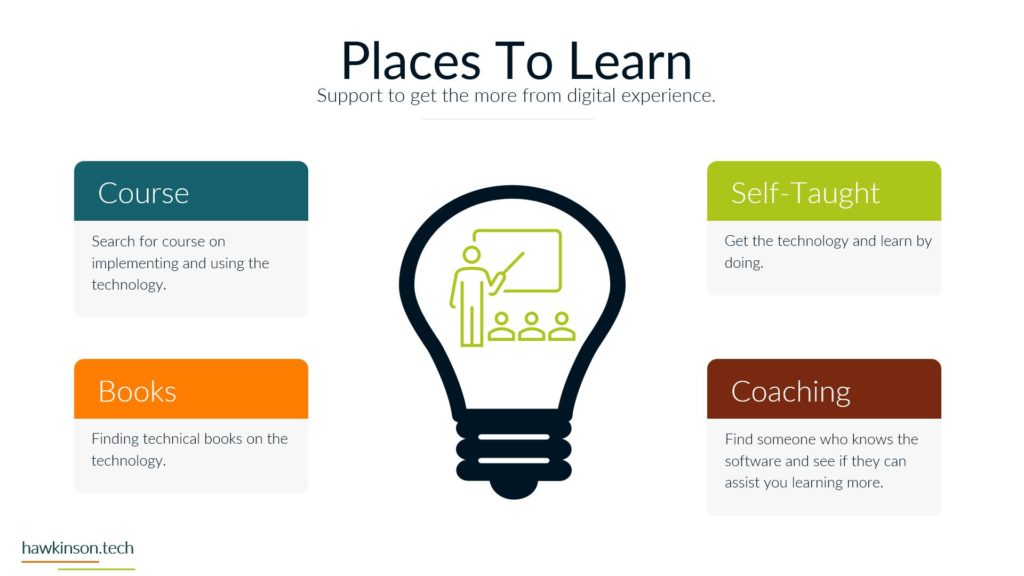
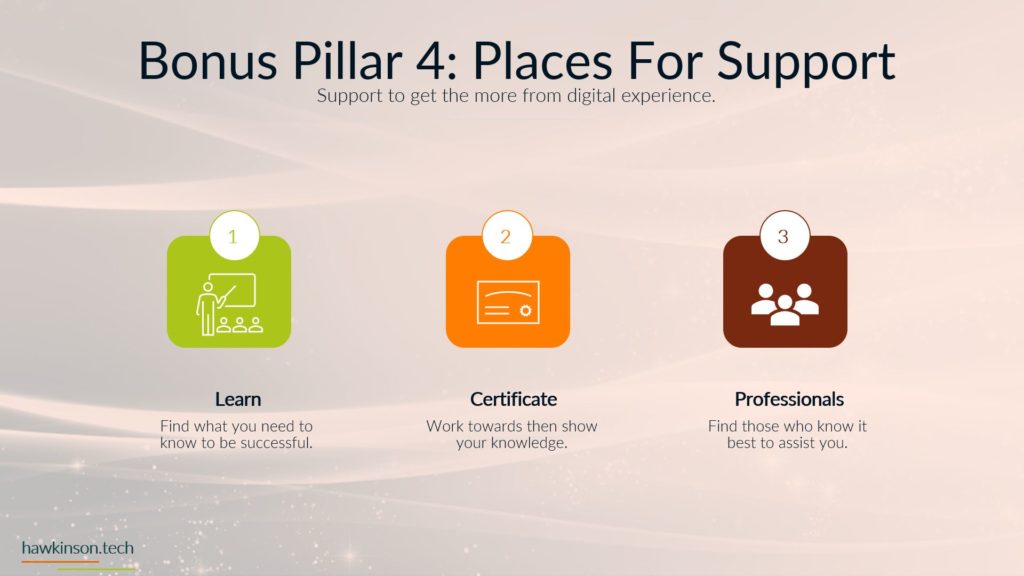
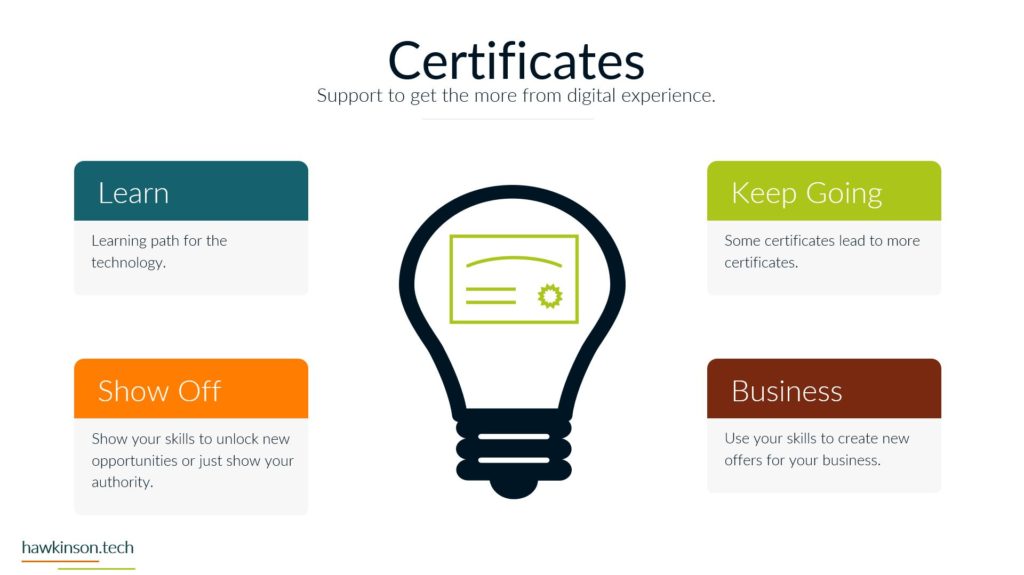
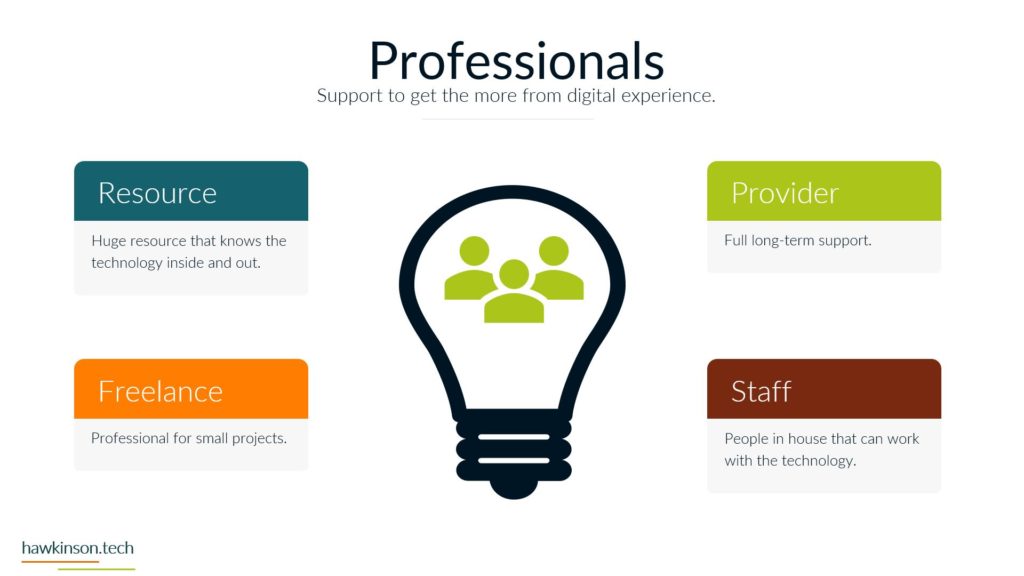
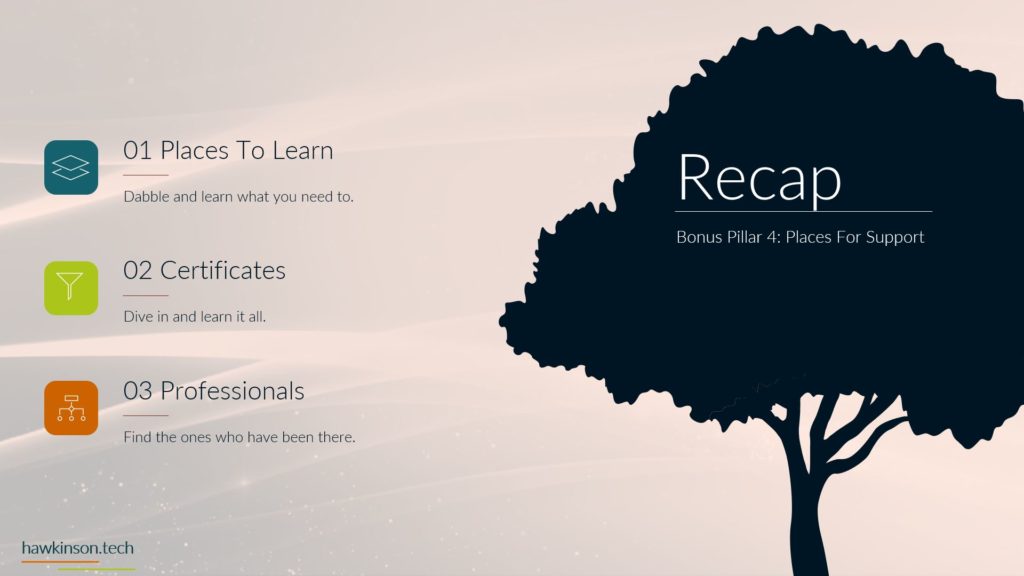
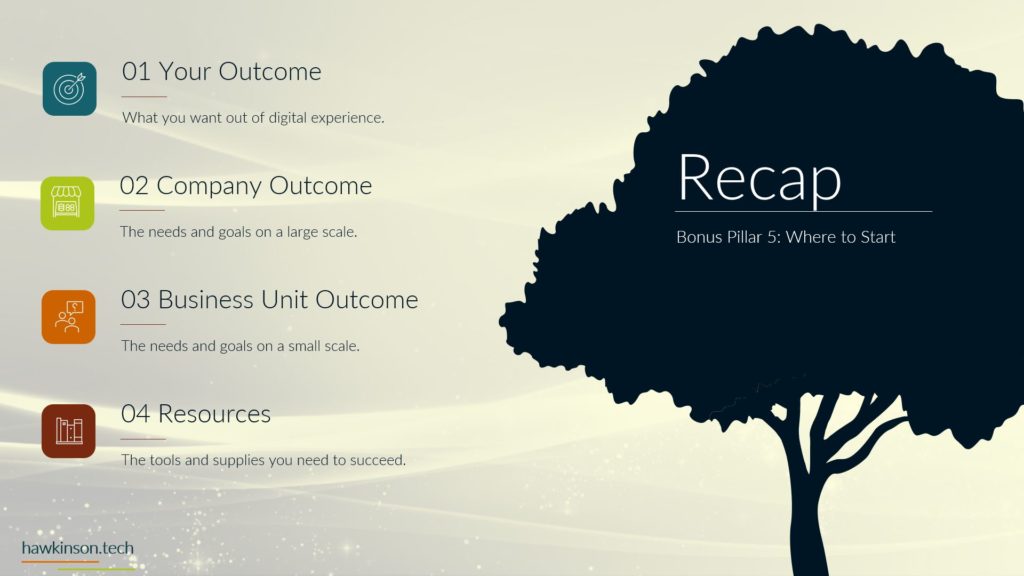
So let’s recap some of the things that we talked about in this fourth pillar. So first we talk about places to learn how you can take advantage of courses and books and being self-taught and how you can quickly get up to speed with a piece of software. Talk about certificates and if you want to take it to the next level, how you can use certificates to gain very advanced knowledge. And how you can use those certificates to grow your business, advertise your business or even exemplify yourself as a professional. And then last we talked about professionals themselves and how you can fully utilize them to do amazing things within your digital experience. Now some next steps as you’re going through and using a digital experience. So after this section in your reflection book, you can go through and answer some questions on what this digital. Experience means in regards to how you can support it, you can go through and kind of get some insights as to what you can do and what would be a good fit for you and your organization to support the digital experience that you would want to bring about. So now we’ll go ahead and move on to the last pillar, just Pillar 5, where we’ll talk about how you can get started with a digital experience.
Related Content

More Content

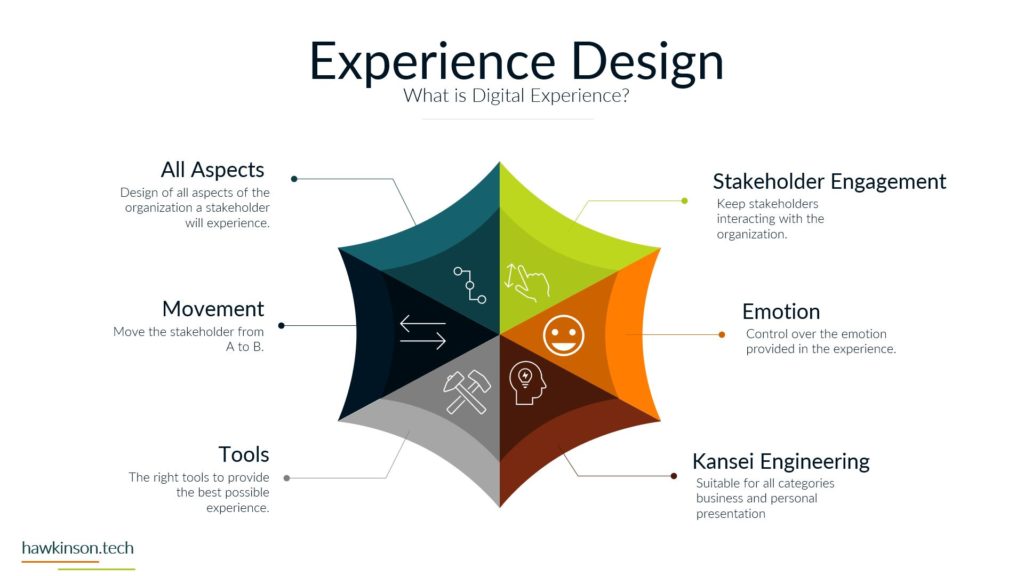
Experience design is a powerful process that involves configuring organizational components to achieve desired outcomes. This blog post explores the key aspects of experience design and its significance in creating exceptional company experiences. It covers tailoring

Discover the power of no-code and low-code tools for building complex dynamic websites. Explore popular options like Elementor, Divi, Advanced Custom Fields, Crocoblock, Meta Box, and Toolset to create visually stunning and interactive websites without extensive
This article will provide a comprehensive guide to the essential steps businesses should take to create and maintain a seamless customer service management system. Stay with us for more.


Discover the best email marketing practices and strategies to create effective email campaigns. Learn the importance of personalized welcome messages, personalization tokens, and segmentation. Keep your CTAs above the fold for maximum impact and keep your
Discover effective examples of email marketing campaigns that enhance engagement and drive conversions. Explore strategies like welcome email series, newsletter campaigns, abandoned cart emails, re-engagement campaigns, personalized recommendations, and seasonal/holiday campaigns. Learn how to nurture relationships,

Privacy policies have become integral for website development and help keep user privacy safe. Read here to find out about the top WordPress compliance plugins.

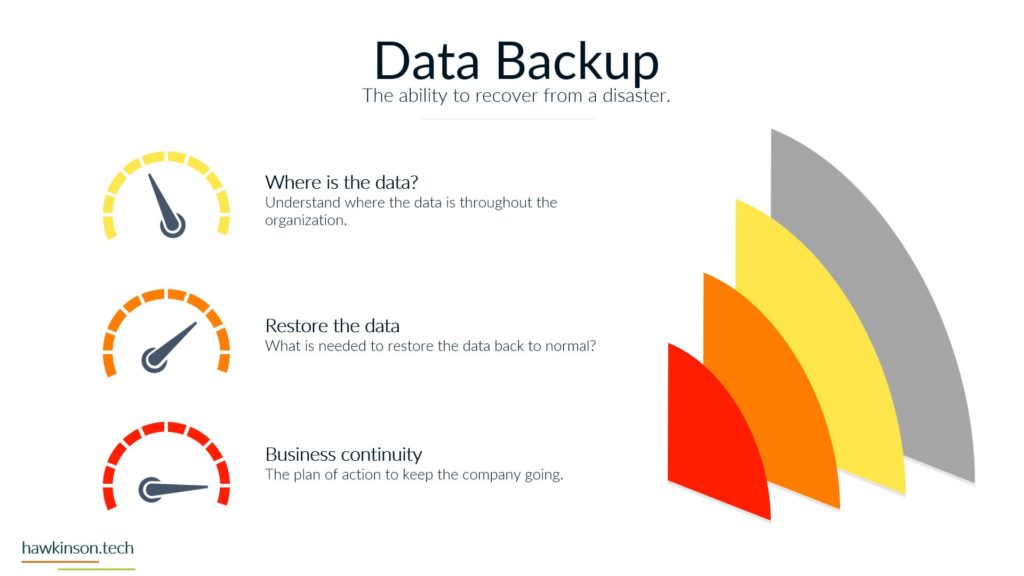
Discover the crucial significance of data backup in shaping a seamless and secure digital experience in today’s rapidly evolving business landscape. Learn how understanding the whereabouts of your data, evaluating data restoration procedures, and ensuring business