In this lesson, we look at the various components that build a digital space.
Digital Experience | Intro To Course | Lesson 3 Digital World
Follow Me Elsewhere:
Play Video
Play Video
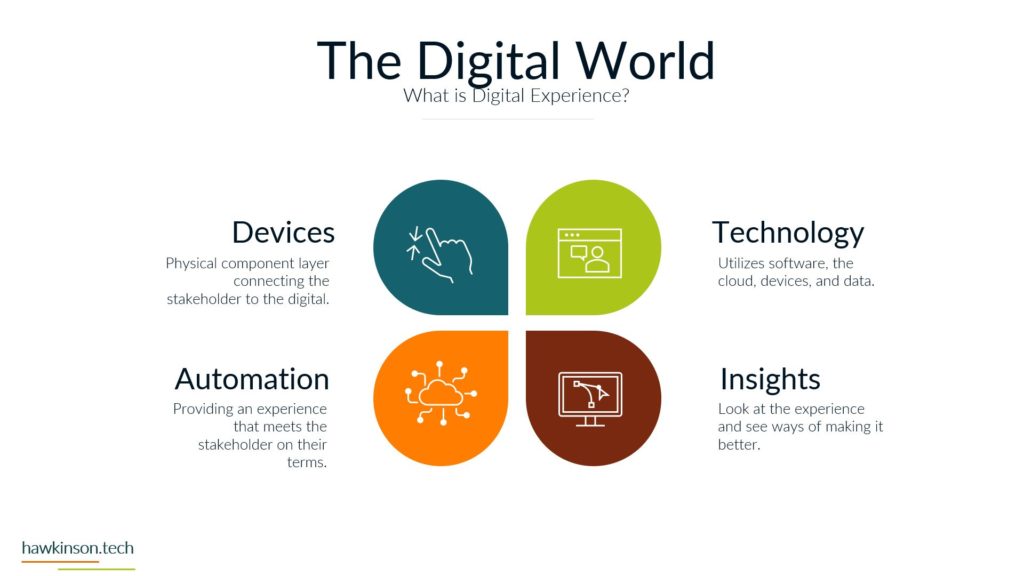
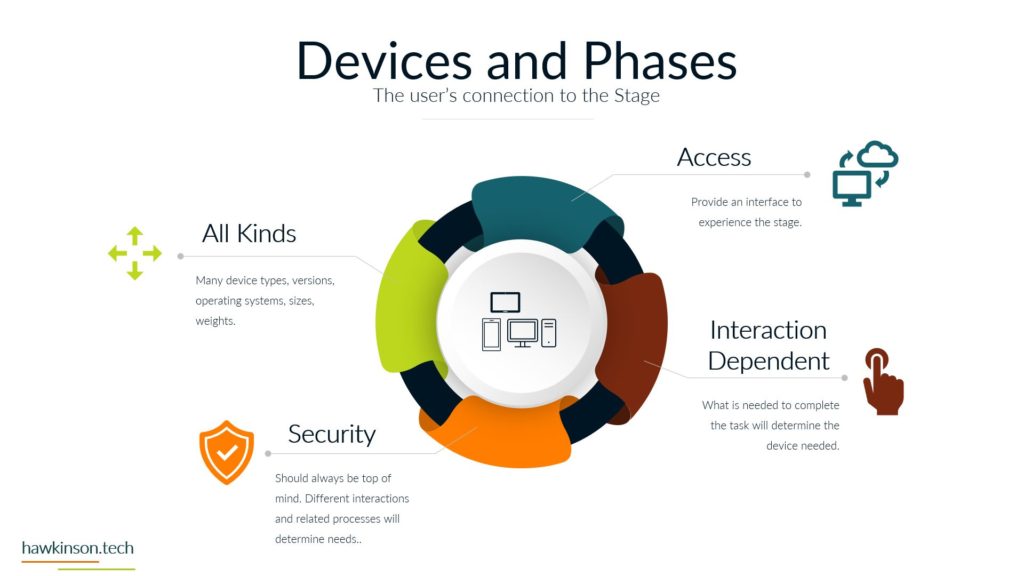
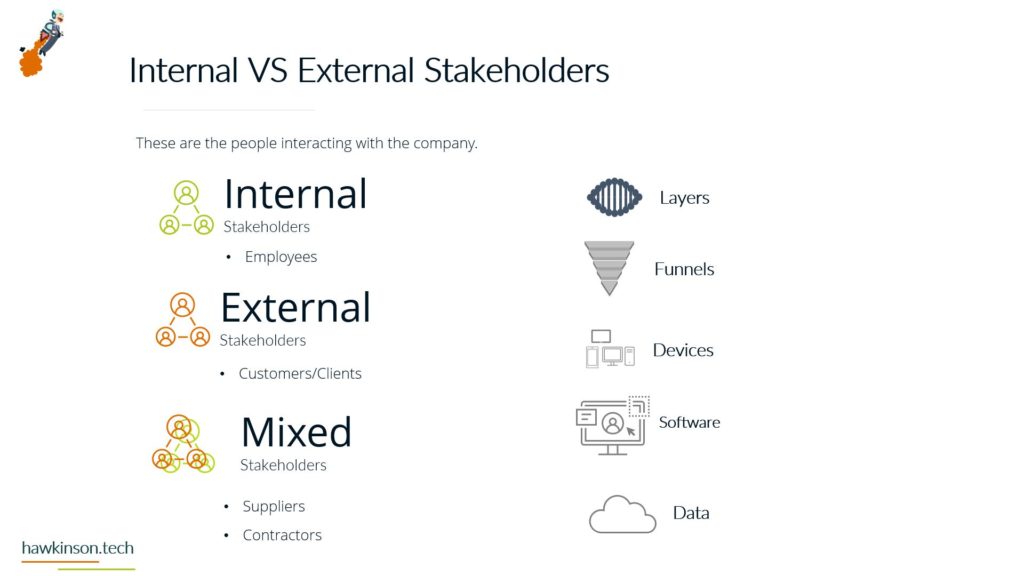
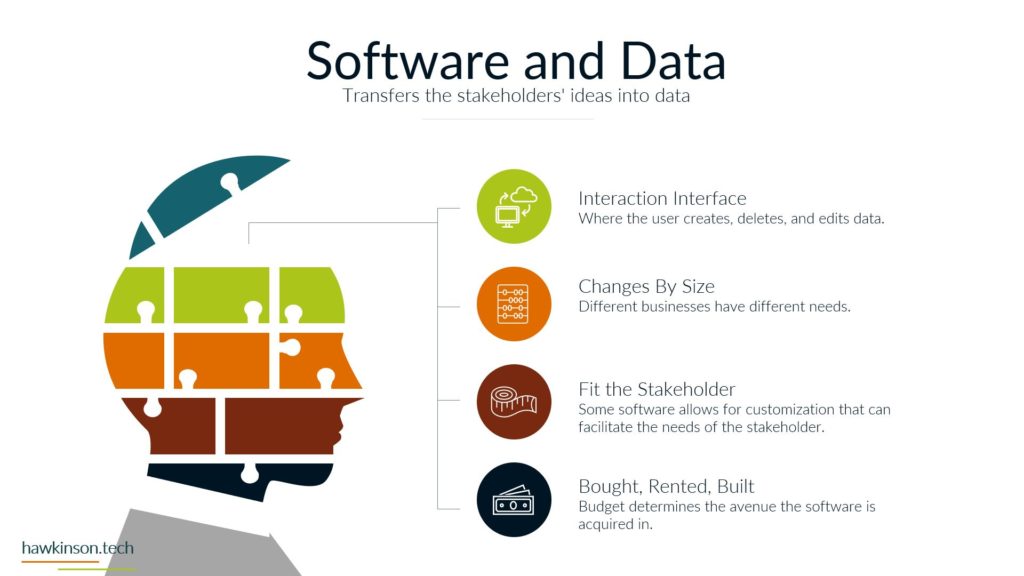
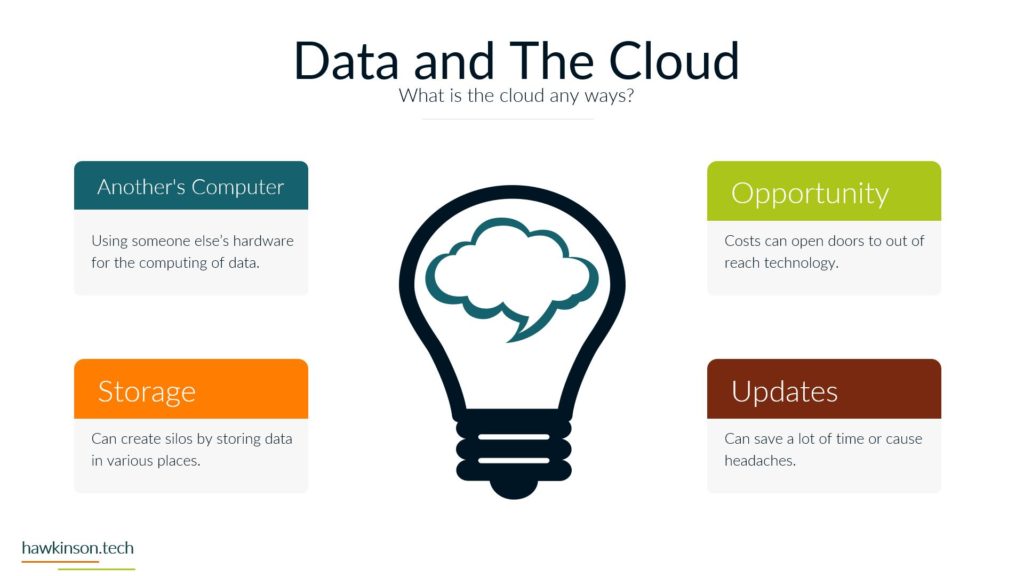
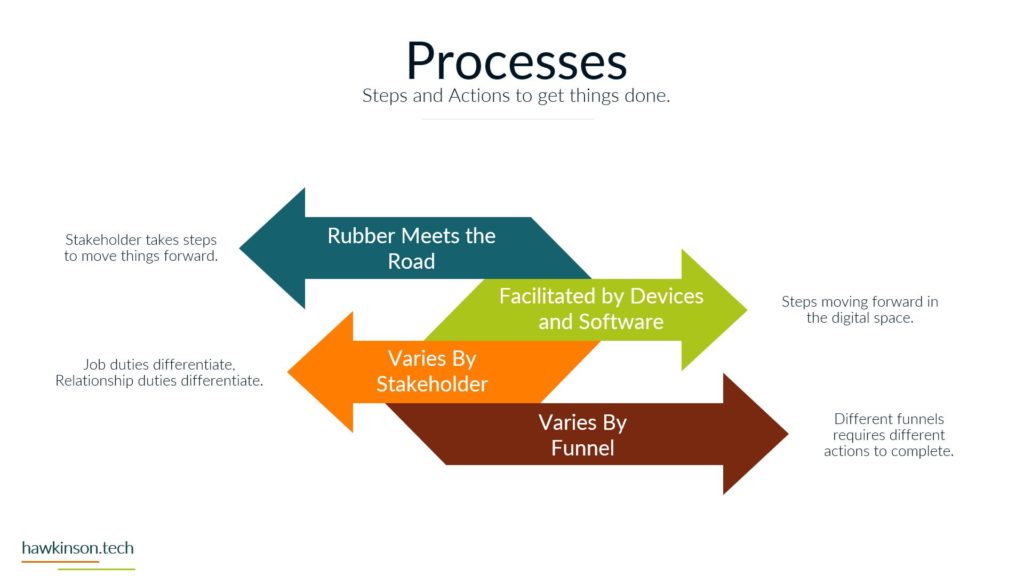
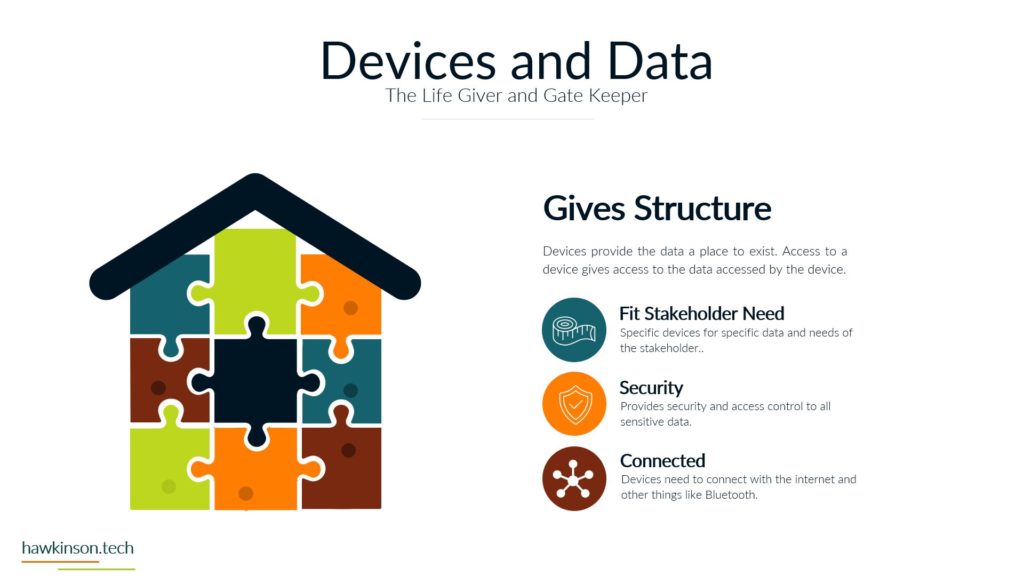
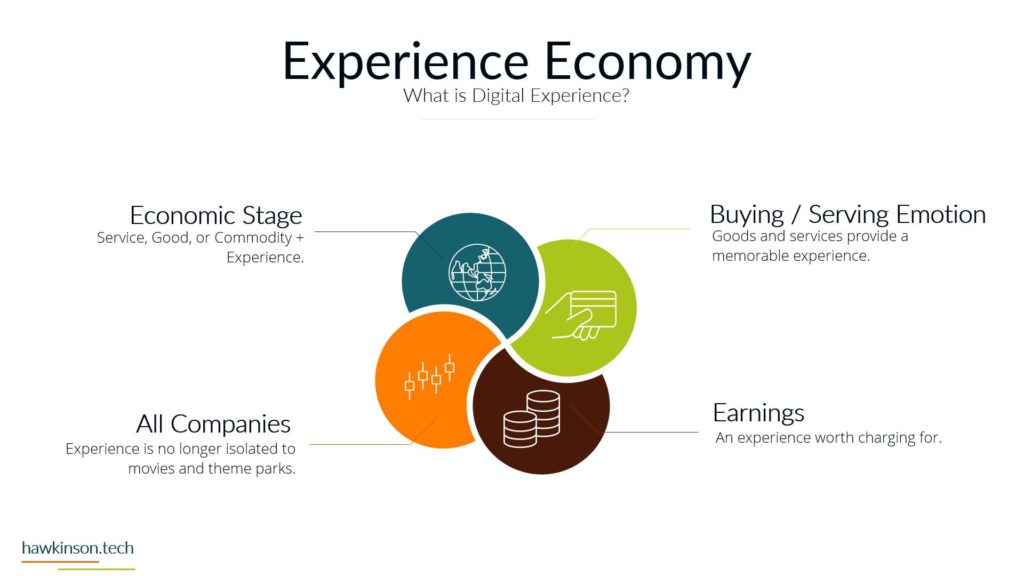
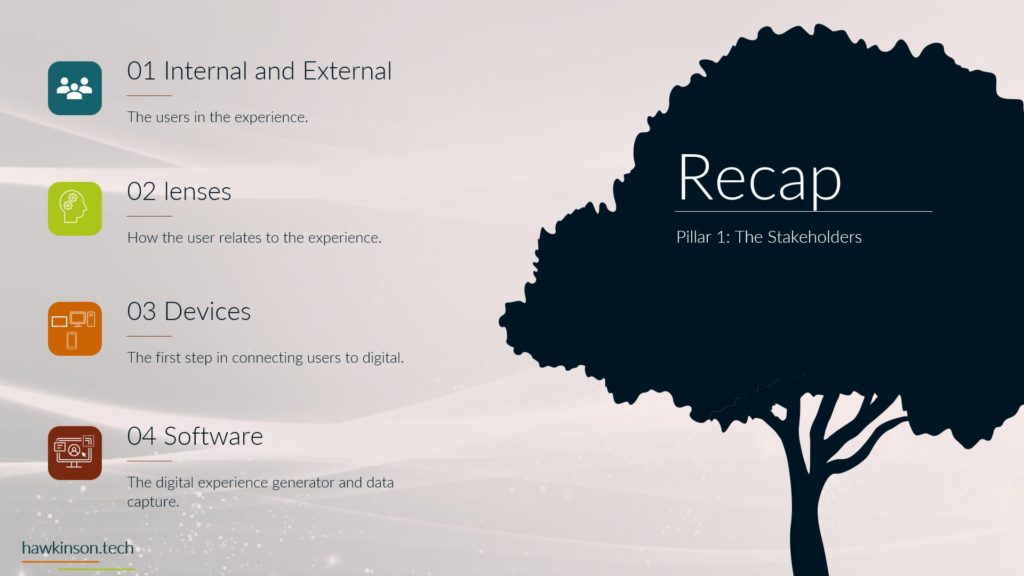
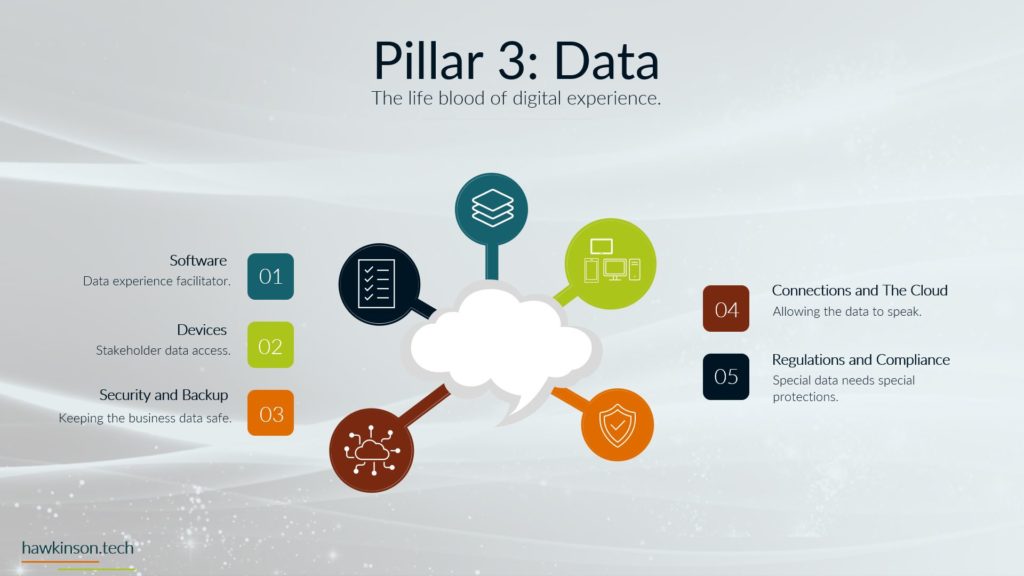
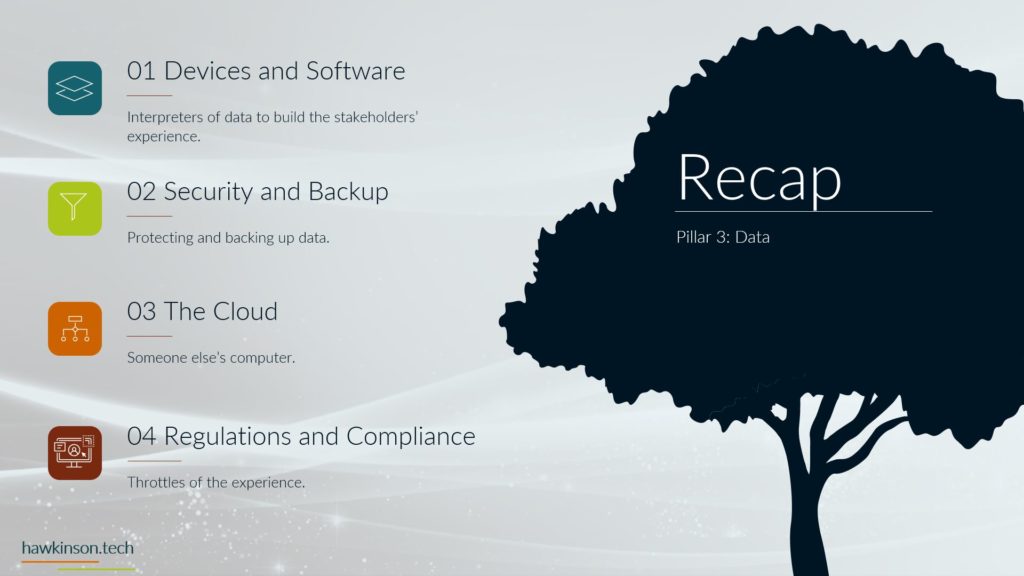
So now we’ve gone through different parts of the company experience and ways to design that experience or at least what to consider when designing that experience. Let’s take a look at the digital components that we can work with that we’re going to be discussing to add into the experience components. So the first one is going to be devices. Devices is a major component of digital experience. The device is the aspect that sits in the physical world that allows the stakeholder to interact with the software and subsequently the digital components. The device can be specific to the use case. So for example there could be like a a tablet or a kiosk that is used if not a lot of information or a very repetitive. That needs to be used. There’s also the difference to consider when a user is using something like a desktop versus using their cell phone. There’s different experiences that come from using a smartwatch and how you can access messages on that and how limited that is compared to your phone, but depending on the convenience or the situation that you’re in, one of those devices may do better than the other. So really want to consider the users devices and being very. Considerate of the experience we want them to have and how that fits with the device that we’re expecting that experience to play out on. So the next part of the digital world is you’re probably expecting is technology. You’ll see technology does loop in devices, but I wanted to break it here to show the totality of the different components involved under the technology branch you see in technology. So we have the software which is going to sit on the user’s device and it’s going to be another interaction between the experience. Essentially the software is that aspect of the digital experience. The device is if you will, a generic kind of portal that we can add in these other applications or subsequent portals if that’s what you want to call them that then allow us to produce this experience. So the technology component, if we were to look at it in this and building out the full experience, we would have the software that sits on the users device, that software would be hosted somewhere in the cloud. On a server, the cloud as we’ll get into this later, but the cloud is essentially just somebody else’s computer. And then we’re using the device. So that way anywhere that we are, we can access that software and interact with it as we’re interacting with the software, then we create data, and that data is then transferred out of the device and back into the cloud to be accessed in other parts of the cloud or even other aspects of the software itself. All of those work together to produce the technology aspect of this digital world. The next thing that we get in this digital world is automation and the ability to move things through steps without having to interact with those steps. So we’re able to build out processes that normally would have required a lot of stakeholder interaction and able to just move things through the process without that interaction. We’ll see later that there’s ways that this can be used to save money. There’s ways that this can foster a vastly different experience for all kinds of stakeholders. And it can also interconnect stakeholders and allow us to remove silos. And while we’re doing this, we can save money through speeding up some of the steps that the users are taking along the way. And the last part, definitely not the last part of the entire digital world, but another part of the last part that we’re going to be looking at here is insights. And insights is this feedback loop in our digital world. And yes, we do need feedback loops in a normal company experience to be done through things like surveys or client interviews. But in the digital world, we can start to automate some of those insights for us. We can use different things like say like Google Adwords to see the users that are coming to the website. And be able to then use that for subsequent targeting. We can get insights and how well our website is ranking even. But even outside of the website, we can use insights to get ideas on how happy employees are or the client satisfaction and the experience that we’re offering. We can use insights to look for pain points in the organization or pain points in the experience and being able to go after that. At times, Insights can even bring up some kind of magic if you will, just because there might be offerings in the company. That maybe there’s like a coupon that you offer, but if you look at the insights, you might see that that offer is actually taken up by a large majority of your clients. So you can use that insight to then build similar types of offers or maybe increase the amount that you’re showing and representing that offer to your audience. And again producing a different experience, they’re taking those steps. So this is the digital world, it’s comprised of our devices, the technology that can also comprise the devices that other things. In our software data, we can now automate within this digital world and get amazing insights in a feedback loop. Next we’re going to be talking about one of the larger pictures that’s really gluing a lot of this together and is a primary factor in moving this forward. So next we’ll talk about the experience economy.
Related Content

More Content

The productivity application suite is a collection of programs intended to boost productivity and effectiveness at work. Examples of productivity application suites are applications for word processing, graphics, presentations, email, calendaring, and other tasks.

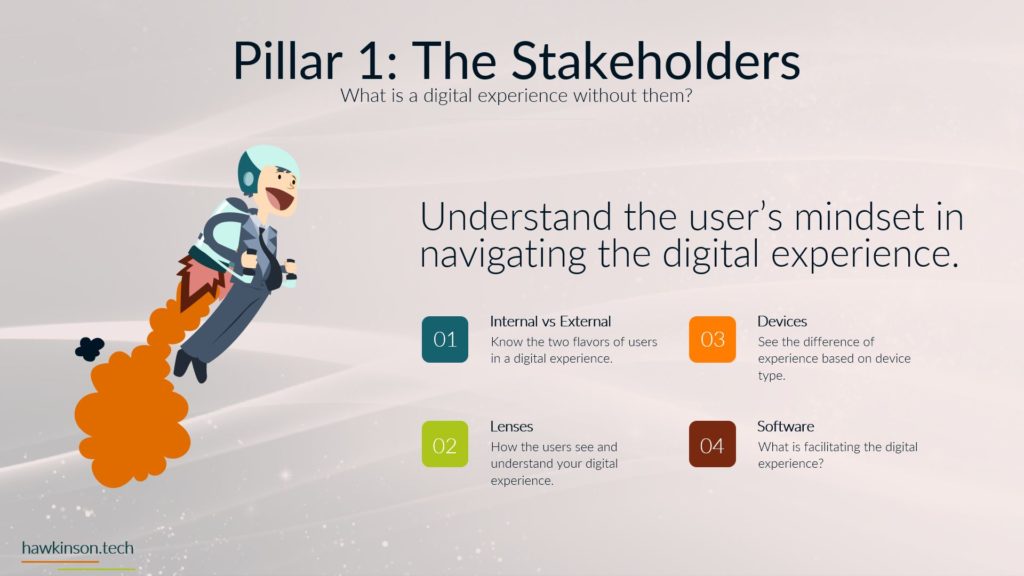
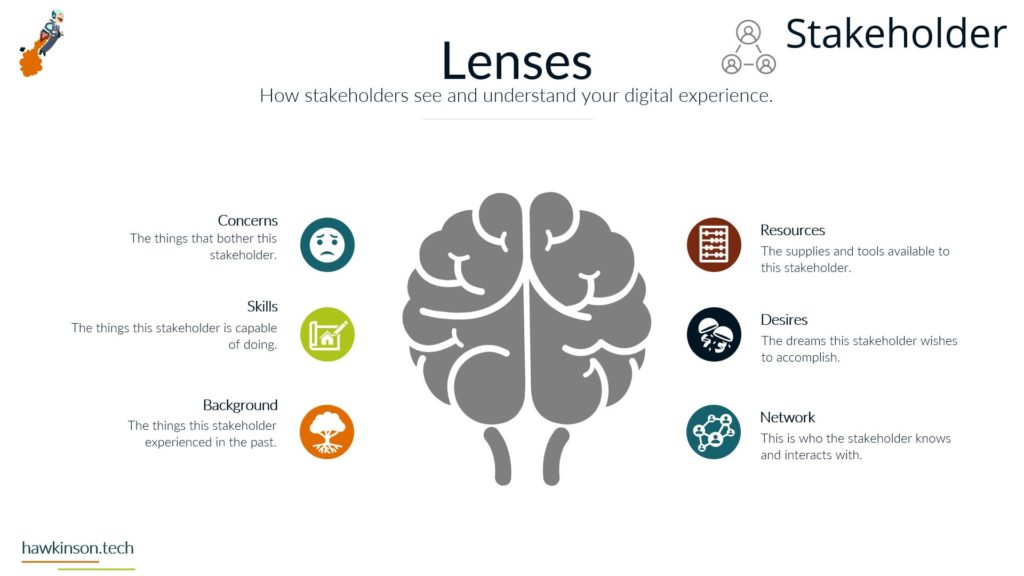
Gain insights into the pivotal role of stakeholder perspectives in shaping digital experiences. Understand the significance of stakeholders’ concerns, skills, backgrounds, resources, desires, and networks in designing effective digital interactions. Tailoring digital experiences to align with

In this guide, we will delve into the importance of email marketing in real estate and why real estate agents need to consider email marketing to reach clients.

CRM platforms are software applications or systems created to assist organizations in analyzing and processing their interactions and connections with clients, leads, and prospects. By centralizing and streamlining the process of gathering, preserving, and managing consumer


Privacy policies have become integral for website development and help keep user privacy safe. Read here to find out about the top WordPress compliance plugins.
Cyberattacks and threats are increasing daily, and business must protect their websites and clients by installing the best WordPress security plugins available.
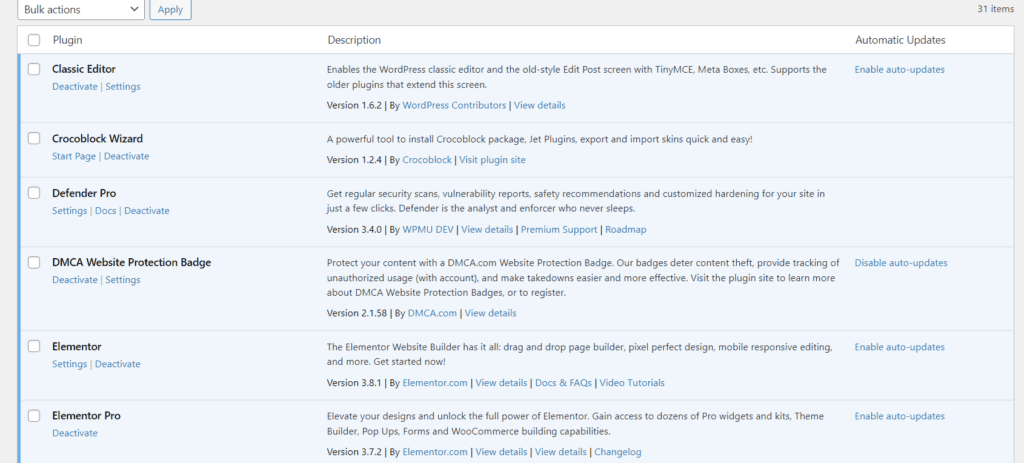
Use this guide to walk through installing a plugin in WordPress. It covers the steps to install a plugin file from a third party and those found in the plugin repository.